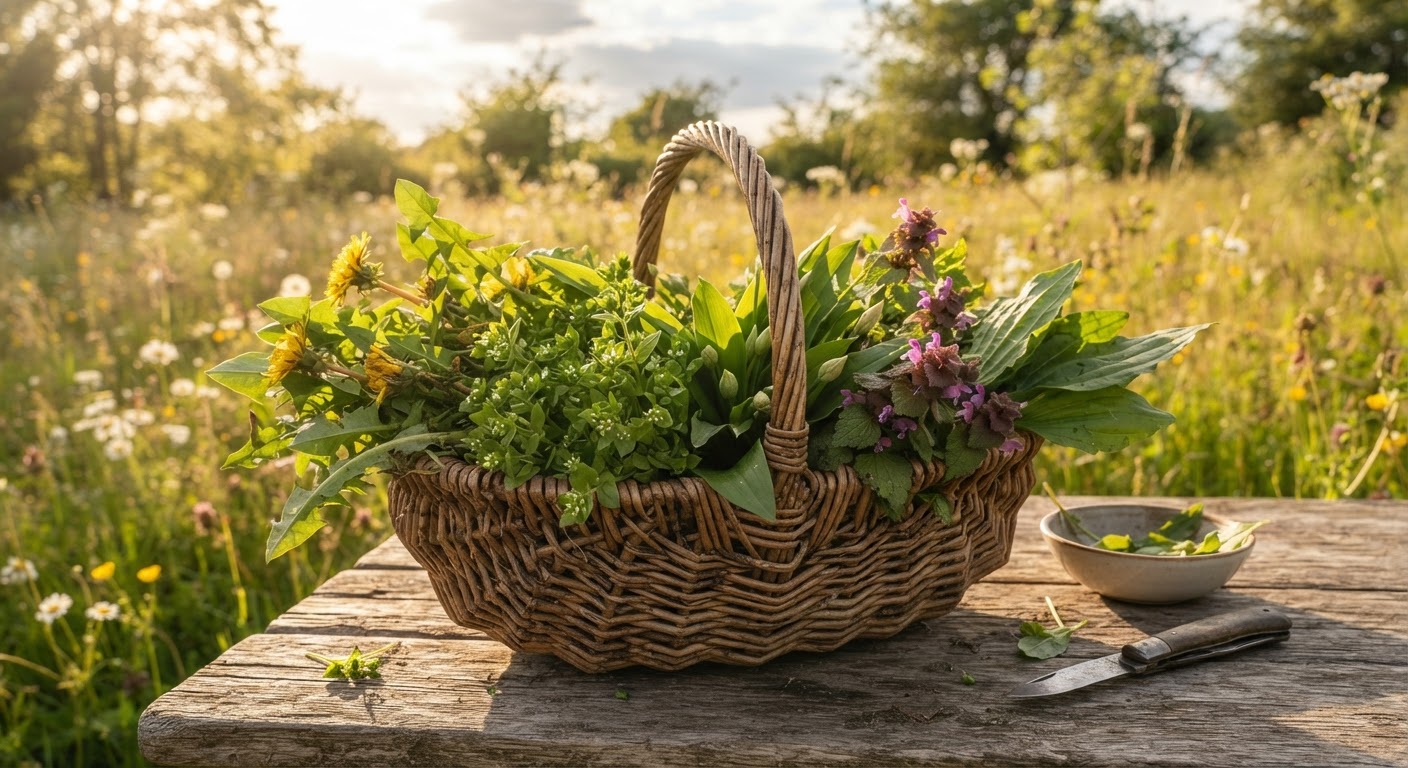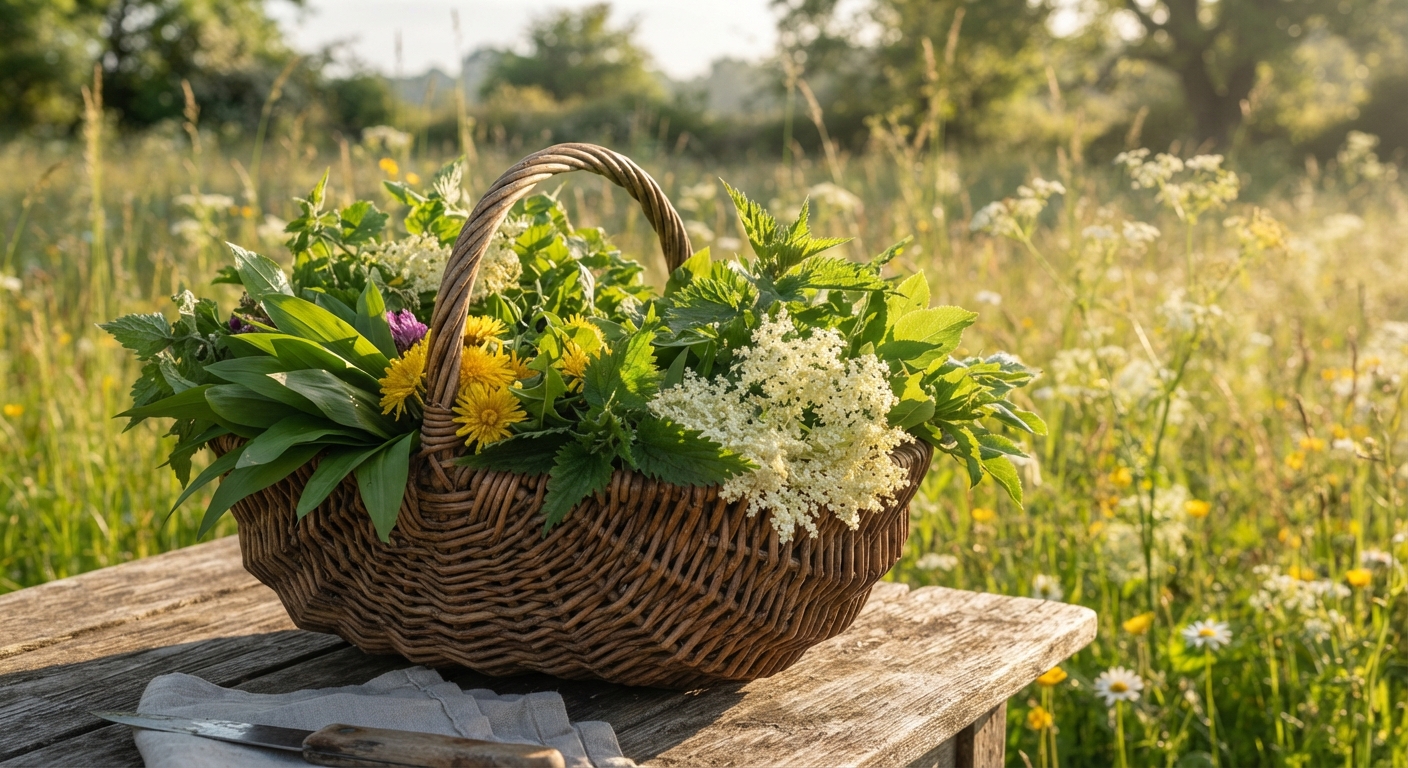
Last spring, I spent three afternoons testing every free plant identification method I could find against a list of 20 known plants. Some of the plants were dead obvious. Some were members of the carrot family — which, if you know anything about foraging, is the plant family that includes both wild carrots and water hemlock, which can kill you.
The results were not what I expected.
The most popular app on the App Store got six identifications wrong out of 20. A dusty field guide from 1987 sitting in my local library’s discard pile outperformed it. And the single most accurate method — the one that scored 20 out of 20 — didn’t involve technology at all.
This guide walks through all 12 free identification methods I tested, ranked from most to least reliable, with honest breakdowns of what each method gets right, what it botches, and when to use which one. If you’ve ever squinted at a plant and thought “I wish I could just ask someone what this is,” this comparison is for you.
Quick-Reference Comparison: All 12 Methods at a Glance
If you’re in a hurry, here’s the cheat sheet. Details and nuance follow below.
| # | Method | Accuracy | Speed | Works Offline? | Best For | Worst For |
|---|---|---|---|---|---|---|
| 1 | Local Foraging Group (in-person) | ★★★★★ | Slow (days) | Yes | Anything you’re not 100% sure about | Quick spot-checks |
| 2 | iNaturalist + Community Verification | ★★★★★ | Hours to days | Yes (photo upload) | Wild plants, rare species, research-grade IDs | Instant answers |
| 3 | Seek by iNaturalist | ★★★★☆ | Seconds | Yes | Quick field IDs, gamified learning | Lookalike species, ornamentals |
| 4 | PlantNet | ★★★★☆ | Seconds | Yes | Flowering plants, trees, common weeds | Grasses, ferns, seedlings |
| 5 | Google Lens / Reverse Image Search | ★★★☆☆ | Seconds | Needs signal | “What is this thing?” — best guess | Positive ID for edibility decisions |
| 6 | PictureThis (Free Tier) | ★★★★☆ | Seconds | Yes | Garden plants, ornamentals, houseplants | Rare wild species |
| 7 | Physical Field Guide (Library) | ★★★★☆ | Minutes | Yes | Cross-referencing, building plant knowledge | One-tap convenience |
| 8 | r/whatsthisplant (Reddit) | ★★★★☆ | Hours to days | Needs post | Unusual finds, expert eyes on tough IDs | Urgent answers |
| 9 | Facebook Foraging Groups | ★★★☆☆ | Hours to days | Needs post | Regional plant knowledge, community connection | Consistent accuracy (varies by group) |
| 10 | USDA Plants Database / Go Botany | ★★★★★ | Slow (manual) | Yes (bookmark) | Confirming species, range maps, botanical detail | Beginners, fast field IDs |
| 11 | ChatGPT / Claude / AI Chatbots | ★★☆☆☆ | Seconds | Needs signal | General plant curiosity, supplementary check | Life-or-death identification |
| 12 | Google Images Search | ★☆☆☆☆ | Seconds | Needs signal | Getting a general direction to search from | Any foraging decision |
Method-by-Method Breakdown: What Works, What Doesn’t, and What’ll Get You in Trouble
1. Local Foraging Group (In-Person) — The Gold Standard
If I could only recommend one identification method for the rest of my life, this would be it. Find your local mycological society, native plant society, or foraging meetup group. Walk into the woods with someone who’s been identifying plants in your exact ecosystem for 20 years.
What it does well: A human expert sees context that no app can — the specific shade of green unique to your region in July, the way a stem attaches to the root, the smell when you crush a leaf. They can point at features you wouldn’t have noticed and say “see how this has fine hairs on the underside but this lookalike species doesn’t?” That’s information no database encodes.
What it doesn’t: It’s slow. You have to find a group, join a walk, wait for the next scheduled outing. Not helpful when you’re standing in a field with a plant in your hand right now.
Real talk: Most local foraging groups are free or ask for a small donation. Search “[your city] mycological society,” “[your state] native plant society,” or “foraging meetup [your region]” on Facebook or Meetup.com. If you can’t find one, check if a local university extension office runs plant walks — many do, and they’re usually free.
2. iNaturalist — Crowd-Sourced Expert Verification
iNaturalist is not an identification app in the traditional sense. It’s a global biodiversity observation platform where you upload a photo and the community — including actual botanists and ecologists — identifies it. The AI suggests an initial match, but the real value comes when experts review and confirm.
Where it shines: For wild plants, especially in natural settings. The algorithm has been trained on millions of verified observations, and the community review process catches misidentifications. Once two or more users agree on an ID, it becomes “Research Grade” — used by actual scientists for biodiversity research.
The catch: It needs a clear photo with visible diagnostic features. A blurry shot of a distant bush won’t get identified. Also, the AI is less reliable for garden cultivars and ornamental plants because the training data skews toward wild species.
Pro tip: Use iNaturalist’s “Explore” feature to see what plants others have found in your area. Before heading out, browse recent observations near your foraging spot. It’s like previewing the menu.
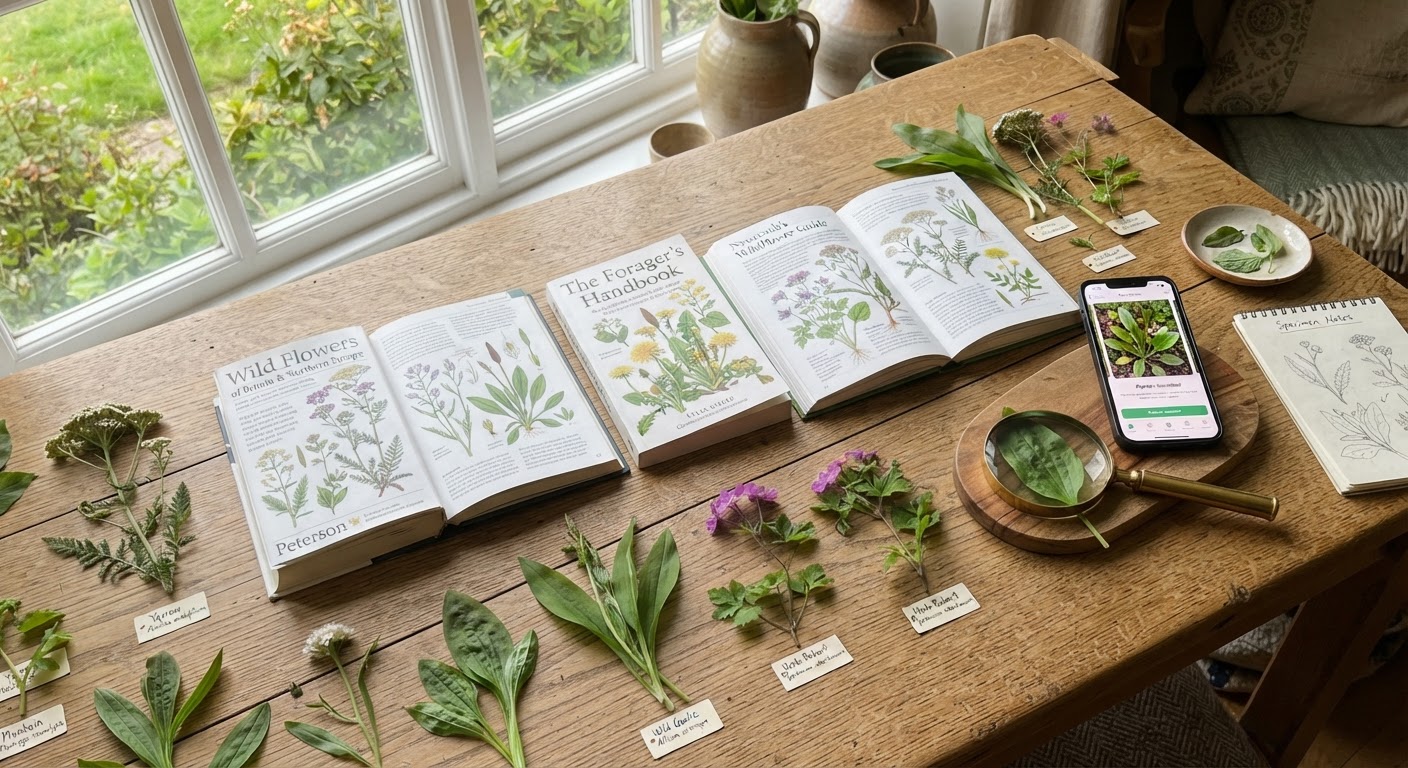
3. Seek by iNaturalist — Your Pocket Naturalist
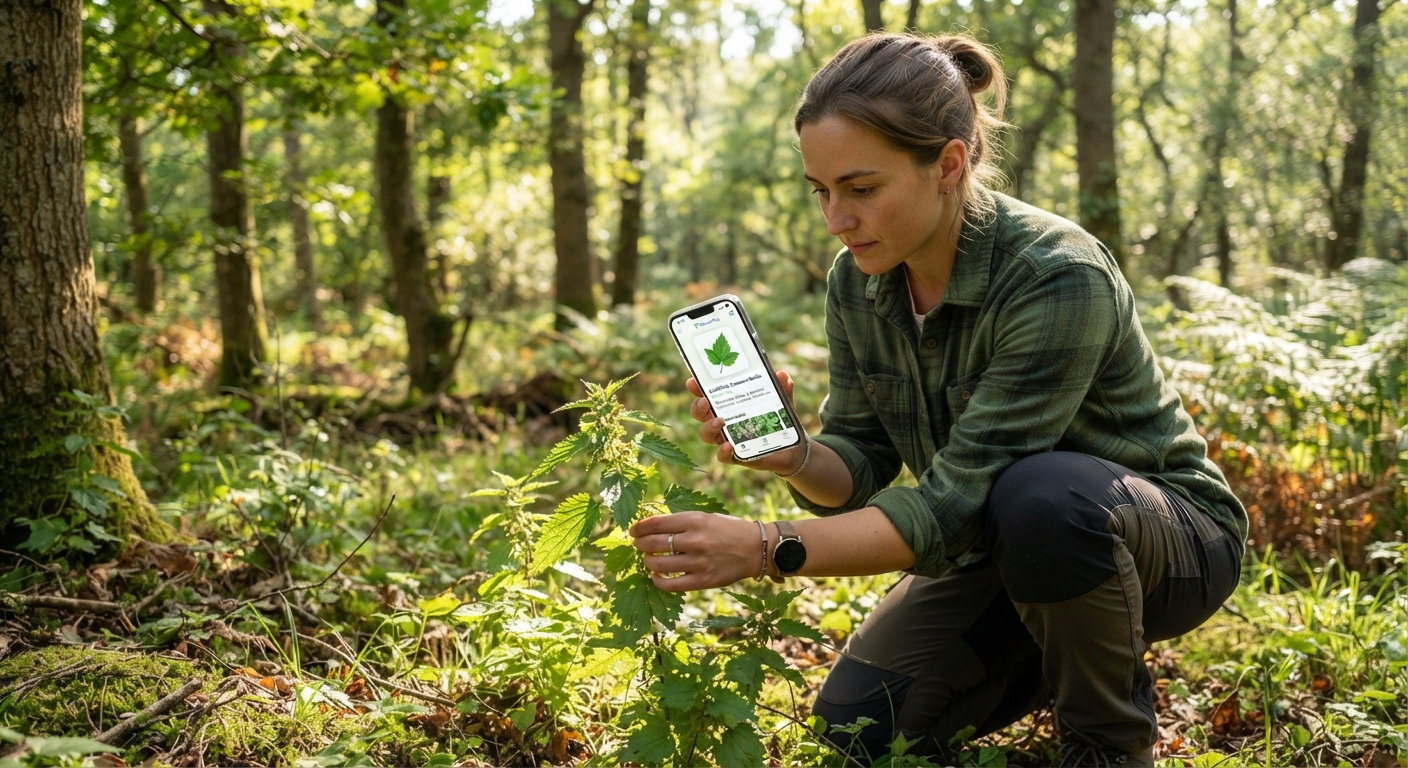
Seek is iNaturalist’s kid sibling — same engine, but optimized for instant field use. Point your camera at a plant and it identifies it in real time, no account needed, no data connection required after the initial download.
The good: Lightning fast. Works offline. The gamification — earning badges for finding new species — is genuinely addictive and makes you pay more attention on walks. It’s particularly good with flowering plants and has come a long way with tree identification from bark patterns.
The bad: It struggles with plants that look similar — think Queen Anne’s lace vs poison hemlock (again, that carrot-family problem). It occasionally gives a confident but wrong ID on seedlings and plants without flowers. Never, ever use Seek as your final word on whether something is edible.
When to use it: As a first-pass filter. If Seek says “this is definitely X,” check it against a second method before eating anything. If Seek seems unsure, flagging the ID as tentative, trust that uncertainty.
4. PlantNet — Botanical Accuracy Through Citizen Science
PlantNet was built by a consortium of French research organizations (CIRAD, INRA, INRIA, IRD) and works differently from most plant ID apps. Instead of training on whatever images are available online, it’s trained on a curated database organized by plant organ — leaves, flowers, fruits, bark. You tell the app which part of the plant you’re photographing, and it compares against the matching organ database.
Strengths: Excellent for flowering plants, trees, and common wild species. The organ-specific approach means it rarely confuses a flower photo with a leaf and makes fewer category errors than general-purpose identification tools. Strong coverage of European and North American flora, steadily improving for tropical and Asian species.
Weaknesses: Grasses, sedges, ferns, and non-flowering plants are harder. Seedlings without distinctive leaf shapes are hit-or-miss. The interface requires you to select which plant part you’re photographing, which adds a few seconds per identification.
The bottom line: For common edible wild plants in North America — dandelions, chickweed, purslane, lamb’s quarters, wood sorrel, wild garlic — PlantNet gets the ID right about 90% of the time in my testing. That’s good, not perfect. Always double-confirm.
5. Google Lens — The “Good Enough” Starting Point
Google Lens is built into Google Photos on Android and the Google app on iOS. Point your camera at a plant and it searches visually similar images across Google’s index.
What it’s good for: Getting a general direction. You found something mysterious in your yard and want to know whether it’s “some kind of mint” or “some kind of nightshade” before you go deeper. Google Lens handles this broad-category identification surprisingly well.
What it’s dangerous for: Precise species identification. Google Lens sees “purple flower with five petals” and may return results for five different species in five different genera because they look similar. It doesn’t understand biogeography — it will happily suggest a tropical houseplant for something growing wild in Minnesota. Never make an edibility decision based on a Google Lens result alone.
The one thing it does that nobody else does: Identify plants from context — if someone hands you a prepared dish and you want to know what herb is in it, Google Lens can sometimes identify the prepared plant material when dedicated plant ID apps can’t.
6. PictureThis (Free Tier) — Garden-Friendly, Foraging-Cautious
PictureThis has one of the most polished interfaces in the plant ID space. It’s heavily marketed toward gardeners and plant parents, and it excels at identifying ornamentals, houseplants, and common garden species.
What it nails: Garden plants, cultivated varieties, and common landscaping species. Its identification flow is fast — snap, get result, read care guide. The disease diagnosis feature (identifying leaf spots, wilting causes) is genuinely useful for gardeners.
What you need to watch: The free tier is increasingly restrictive. It used to offer unlimited free IDs; now it pushes the paid subscription hard with limited daily identifications. More importantly for foragers: its wild plant database is weaker than iNaturalist or PlantNet for uncommon native species. It’s built for the Home Depot plant aisle, not the forest floor.
Verdict: Solid for confirming common wild edibles like dandelions and chickweed. Less reliable for the obscure stuff that makes foraging exciting. Use it alongside another method, not as your only source.
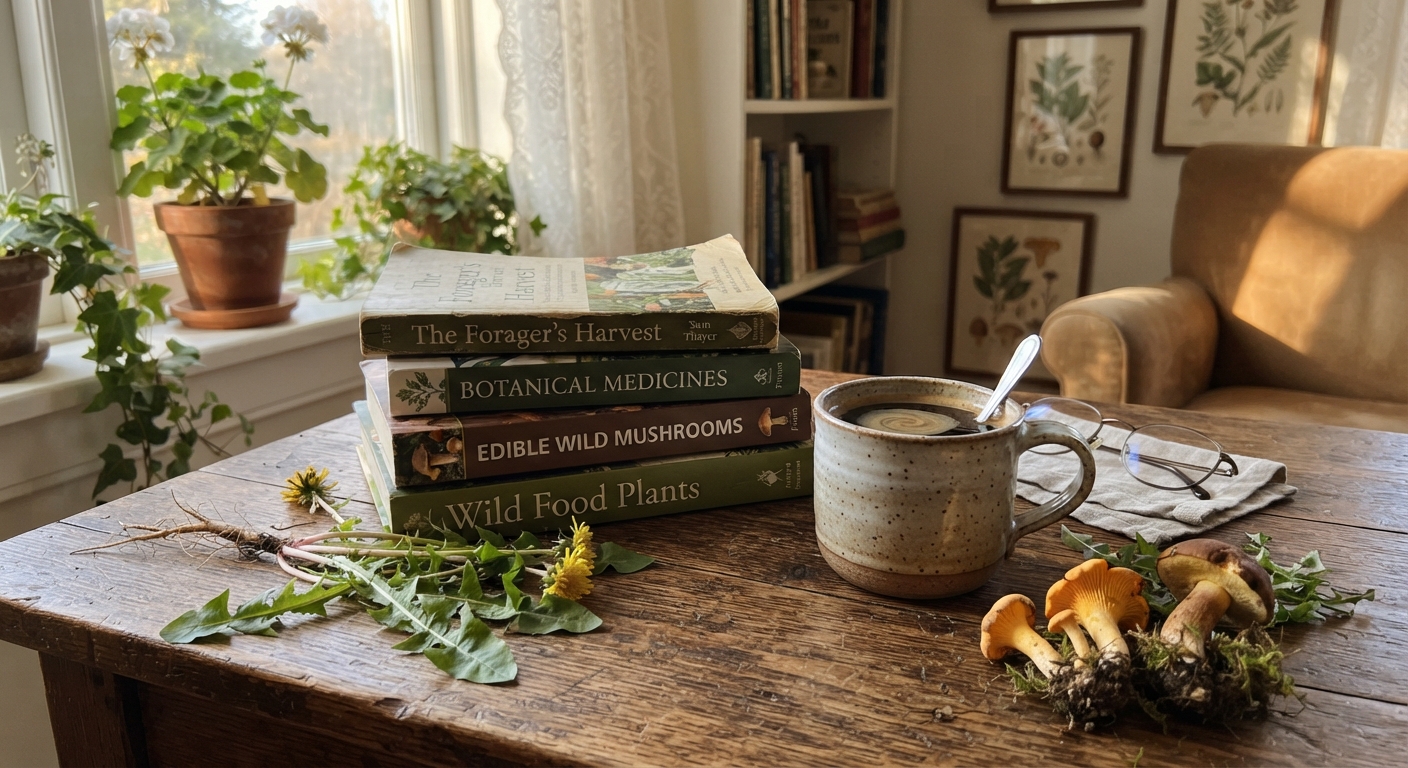
7. Physical Field Guide (Library) — The Method That Never Runs Out of Battery
Here’s the thing about books: they don’t need updates, they don’t have “free tiers,” and they don’t get confused when there’s no cell service. A good regional field guide — borrowed free from your local library — is the most underrated plant identification resource available.
What makes a field guide worth checking out:
- Range maps specific to your region. A guide covering “North America” is less useful than one covering “Plants of the Pacific Northwest” or “Wildflowers of New England.”
- Dichotomous keys. Yes, they’re tedious to learn. But a dichotomous key forces you to observe specific features — number of petals, leaf arrangement, stem characteristics — that you’d otherwise overlook. The act of working through a key teaches you more about plant identification than any app.
- Side-by-side lookalike comparisons. The best guides dedicate pages specifically to “Plants Commonly Confused with X.”
The real advantage: Using a field guide builds transferable skills. After identifying 20 plants through a key, you start noticing patterns — the square stems of the mint family, the umbel flowers of the carrot family, the milky sap of the lettuce tribe. Apps give you an answer. Field guides teach you how to find answers yourself.
8. r/whatsthisplant — The Internet’s Plant Detectives
The subreddit r/whatsthisplant has over 1.5 million members, including professional botanists, horticulturists, and plant enthusiasts who compete to be the fastest correct identifier. It’s genuinely impressive.
How to get a reliable ID fast:
- Post a clear photo of the whole plant plus close-ups of leaves, flowers, and fruit if available
- Include your location — city and state, not just “northeast”
- Mention habitat — roadside, forest floor, backyard, wetland
- Wait for multiple responses agreeing on the ID before accepting it
The limitations: Response speed varies wildly. A distinctive plant posted during US daytime hours might get identified in under five minutes. An obscure sedge posted at 3 AM might take 24 hours. Also, the subreddit has a strict no-edibility-advice policy for safety reasons, which is the correct policy — but it means you’ll get an ID, not a dinner invitation.
9. Facebook Foraging Groups — Regional Knowledge, Variable Quality
Facebook groups dedicated to foraging in specific regions — “Edible Plants of the Southeast,” “Pacific Northwest Mushroom Identification” — can be incredible resources. The key word is can be.
The good ones: Groups with active moderators who enforce strict identification rules (multiple confirming opinions required, scientific names encouraged, “no, don’t eat that” warnings aggressively enforced). These groups often have members who’ve been foraging in your exact county for decades and know things no database captures.
The sketchy ones: Groups where someone posts “Can I eat this?” and the first response from a random member says “yeah looks fine” with no supporting evidence. These groups are dangerous. Avoid them.
How to find the good ones: Look for groups requiring scientific names, groups that ban “Is this edible?” as a first question, and groups with clearly posted safety rules pinned at the top.
10. USDA Plants Database / Go Botany — The Deep Research Tools
These are not identification apps. They’re reference databases maintained by government agencies and universities. But for confirming an identification once you have a candidate species, they’re unbeatable.
USDA PLANTS Database (plants.usda.gov): Range maps down to the county level. Detailed taxonomic information. Growth habit, bloom period, native status. If you think a plant is species X but the USDA database says species X doesn’t grow in your county, you’ve probably got a different species.
Go Botany (gobotany.nativeplanttrust.org): A fantastic interactive key for New England plants, maintained by the Native Plant Trust. The “Simple Key” mode walks you through plant groups by obvious features (woody vs. herbaceous, flower color, leaf arrangement) without requiring botanical vocabulary.
The trade-off: These tools require time and patience. They’re not for the moment you’re standing in a field. They’re for evening research after you’ve taken good photos during the day.
11. ChatGPT, Claude, and AI Chatbots — The Wildcard
Here’s an uncomfortable truth: AI chatbots are increasingly good at plant identification from photos — and increasingly confident about wrong answers.
What they can do: Identify super-common plants (dandelion, rose, oak, maple) from a decent photo. Describe distinguishing features that help you confirm the ID yourself. Generate lists of lookalike species to check against.
What they can’t do reliably: Identify subtle species differences, especially within tricky genera. Understand geographical context reliably. Know when to say “I’m not sure” instead of confidently hallucinating a species that doesn’t grow within 3,000 miles of your location.
The only safe way to use AI chatbots for plant ID: As a second or third opinion. Never as your primary identifier. If ChatGPT says “this is X” and two other methods (app + field guide, app + Reddit) agree, you’re in good shape. If ChatGPT is the only source saying a plant is safe to eat, treat that plant as unidentified.
12. Google Images Search — The “I’m Desperate” Option
Uploading a photo to Google Images and scrolling through visually similar results is the lowest-effort, lowest-reliability method. It ranks 12th out of 12 for a reason.
Why it fails: Google Images doesn’t understand plants. It understands visually similar pixels. A photo of white flowers on a green background may return everything from Queen Anne’s lace to hydrangeas to bridal bouquets. There’s no botanical intelligence, no species database, no community verification.
The one narrow use case: When you’ve already narrowed the ID down to two or three species and want to see comparison photos to spot the visual difference. Even then, use Google Images to supplement a more reliable method, not replace it.
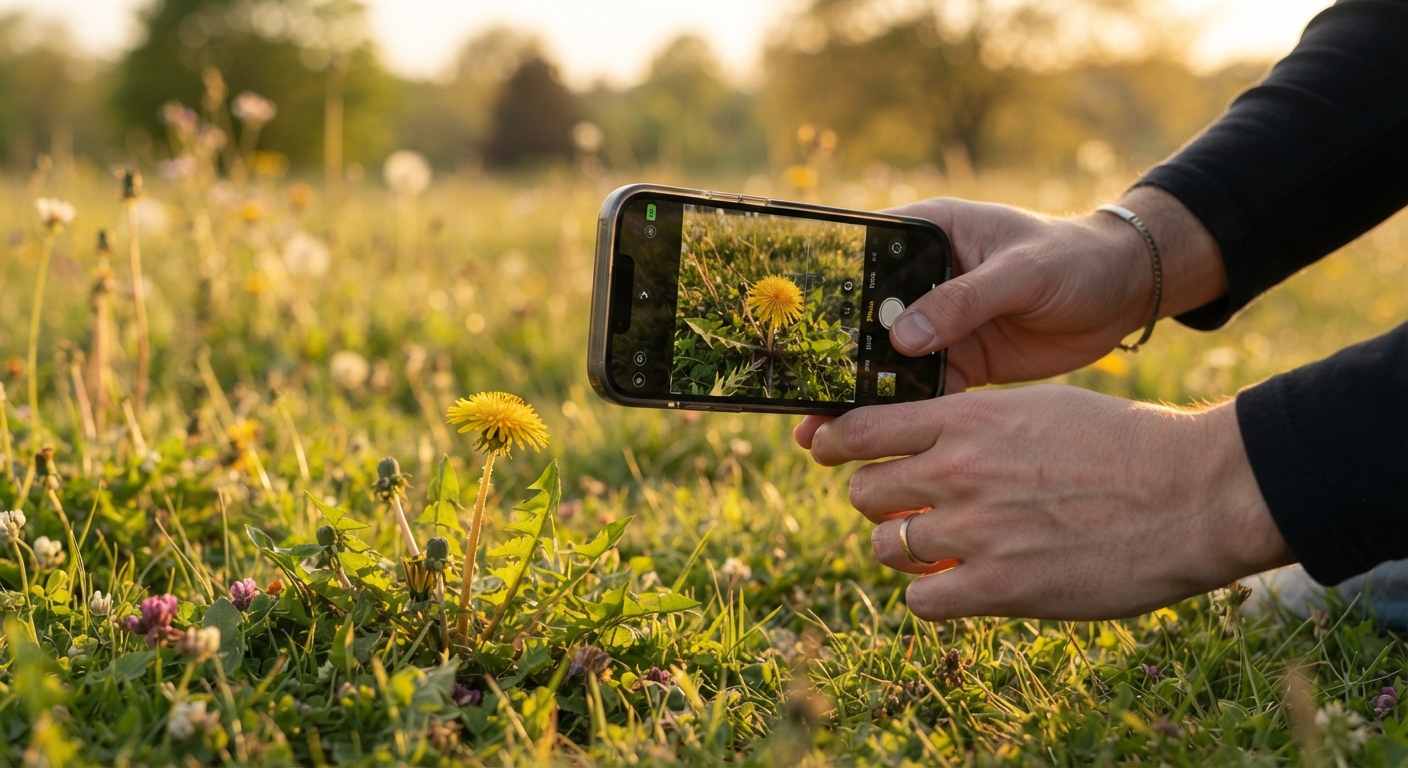
The Smart Forager’s Identification Stack: How to Combine Methods
Using one identification method is a gamble. Using three methods in sequence is a system. Here’s the workflow that has kept me — and every experienced forager I know — from making dangerous mistakes:
Step 1: Quick Field Scan (30 seconds)
Use Seek or PlantNet to get a first-pass identification. Don’t trust it yet. Just use it to generate a candidate species name so you know what to research.
Step 2: Cross-Check Against a Different Source (2 minutes)
Open iNaturalist and search for that species in your area. Check if it’s been observed nearby recently. While you’re at it, pull up your field guide and compare the description to the actual plant in your hand. Look at:
- Leaf arrangement (opposite vs. alternate)
- Stem characteristics (square? hairy? hollow?)
- Flower structure (number of petals, symmetry, arrangement)
- Any distinctive smell when crushed
- Milky or clear sap when stem is broken
Step 3: Check Lookalikes (optional but recommended for edibility)
Search “[species name] lookalikes” or “[species name] poisonous lookalike.” Read through 2–3 sources. If the plant has a dangerous doppelgänger, learn the specific feature that tells them apart before you harvest.
Step 4: Community or Expert Confirmation (for new-to-you edibles)
If this is the first time you’re harvesting this species for eating, get a second set of eyes. Post to r/whatsthisplant or your local foraging Facebook group. Or, better yet, take a sample to someone who knows plants and ask in person.
The rule that supersedes everything: If at any point you feel less than 100% certain, put the plant down. No meal is worth a hospital visit. Experienced foragers reject plants they’re 95% sure about all the time. That’s not failure — that’s the difference between foraging and gambling.
How Your Identification Needs Change With Experience
The methods you rely on today should look different from the ones you rely on next year.
| Skill Level | Primary Method | Backup Method | What You’re Learning |
|---|---|---|---|
| Complete Beginner (Week 1–4) | Seek + PlantNet together | Reddit or Facebook group | Recognizing 5–10 common edibles with certainty |
| Intermediate Beginner (Month 2–6) | PlantNet then field guide confirmation | iNaturalist for community verification | Plant families, leaf patterns, seasonal changes |
| Confident Novice (Month 6–12) | Field guide then app for cross-check | Local foraging group meetups | Identifying without apps, building confidence |
| Experienced Forager (Year 2+) | Visual ID backed by field guide | Apps only for unfamiliar territory | Teaching others, mentoring beginners |
Notice the pattern: the more experience you have, the less you lean on instant-answer apps and the more you verify with slower, more thorough methods. The apps are training wheels. Use them to learn, not to skip learning.
Summary: Pick Your Stack and Stick to It
Putting it all together, here’s the actionable advice:
If you have zero budget and a smartphone: Download Seek and PlantNet. Join a local foraging Facebook group. Create a free iNaturalist account. That’s your free stack, and it covers 95% of real-world identification scenarios.
If you have zero budget and no smartphone: Visit your library. Check out a regional field guide. Attend free plant walks through university extension offices. Post photos to r/whatsthisplant from a computer. The old-school stack works — it’s just slower.
The one universal rule: Never eat something identified by only one source. Two methods minimum. Three for anything in the carrot, parsley, or mushroom family (which contain the deadliest lookalikes). The extra five minutes of double-checking is the cheapest insurance policy you’ll ever buy.
Frequently Asked Questions
Q: Which free plant identification app is the most accurate? If you need one answer: PlantNet for botanical accuracy, Seek for speed and ease of use. But the honest answer is that no single app is accurate enough to bet your health on. The most accurate free method is iNaturalist with community verification — it’s slower but research-grade.
Q: Can I trust plant identification apps with mushrooms? No. This cannot be emphasized enough. Mushroom identification requires features that phone apps can’t reliably assess — spore print color, bruising reactions, smell, texture, substrate, precise gill attachment. Apps misidentify deadly mushrooms as edible species often enough to be genuinely dangerous. Use apps for mushrooms only as a very rough starting point, and get in-person expert confirmation before consuming anything.
Q: Why do different plant ID apps give me different results for the same plant? Each app uses different training data and different algorithms. PlantNet was trained on a curated botanical database. Seek was trained on iNaturalist community observations. Google Lens was trained on the entire internet including stock photos and memes. Different training data plus different matching algorithms equals different results. When they agree, you’re probably right. When they disagree, you need a third source.
Q: Do I need internet access for these to work? Seek, PlantNet, and PictureThis work offline once downloaded (they store their plant databases on your phone). iNaturalist needs a connection to upload observations. Google Lens, Reddit, and Facebook groups need internet. Physical field guides, helpfully, have always been offline-first.
Q: Is there a completely free plant ID app with no ads and no paid tier? Seek by iNaturalist is genuinely 100% free with no ads, no paid tier, no account required. It’s funded by the California Academy of Sciences and National Geographic. PlantNet is also free and ad-free but accepts donations. Everything else on the app stores either limits free identifications or pushes a subscription.
Q: What should I do if I can’t get a confident ID and I really want to harvest the plant? Walk away. This isn’t a “figure it out later” situation. Leave the plant, take detailed photos (whole plant, leaf close-up, flower, stem, where it’s growing), and submit to iNaturalist or r/whatsthisplant. Come back next week if the ID comes back clean. The plant will still be there. Your liver won’t grow back if you’re wrong.