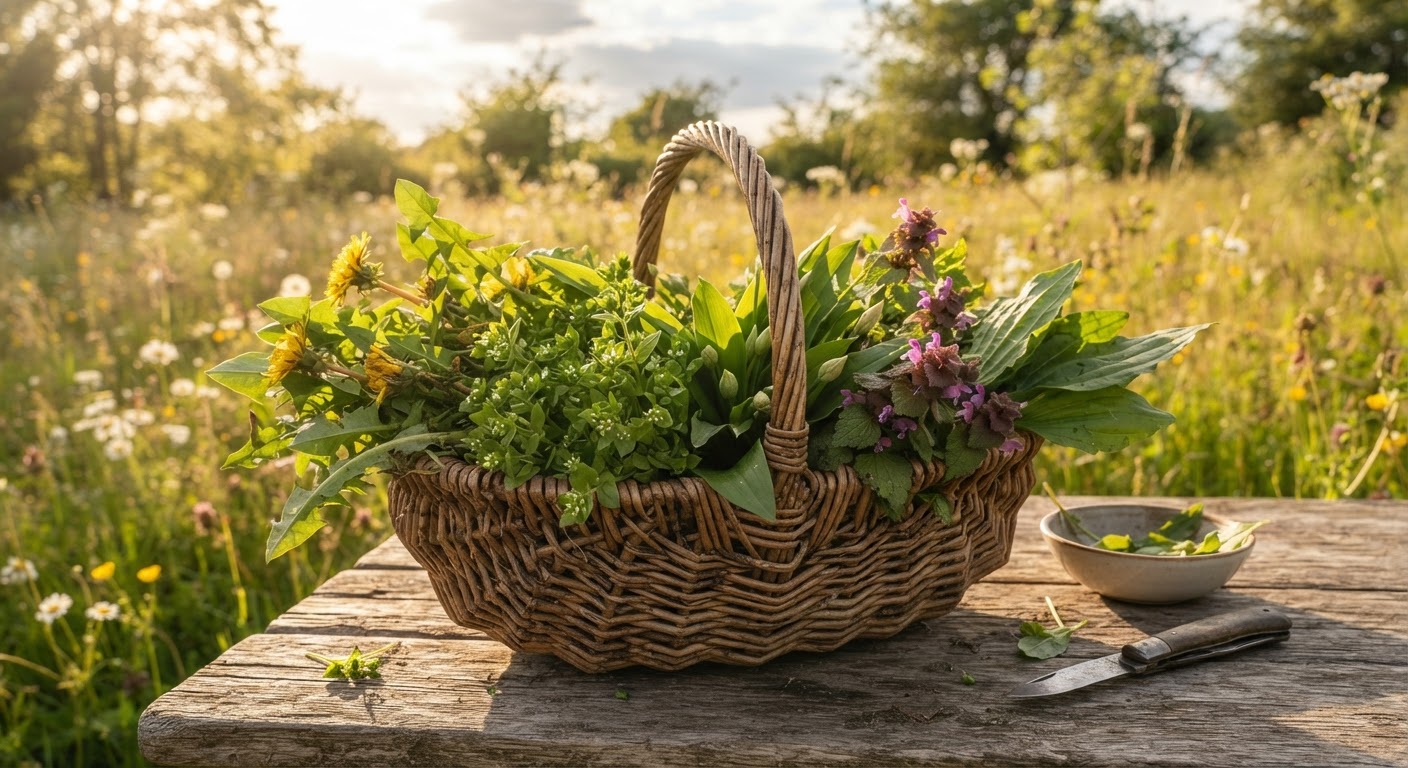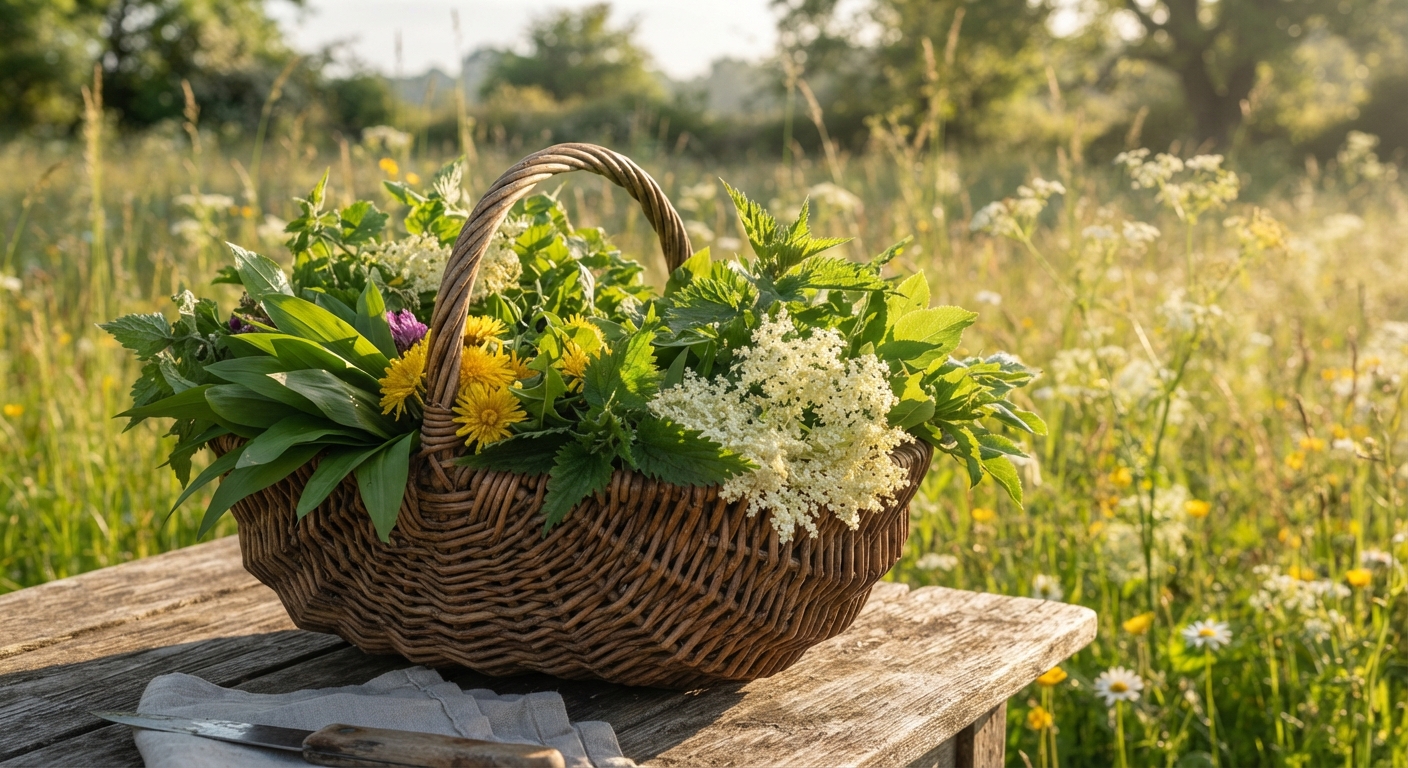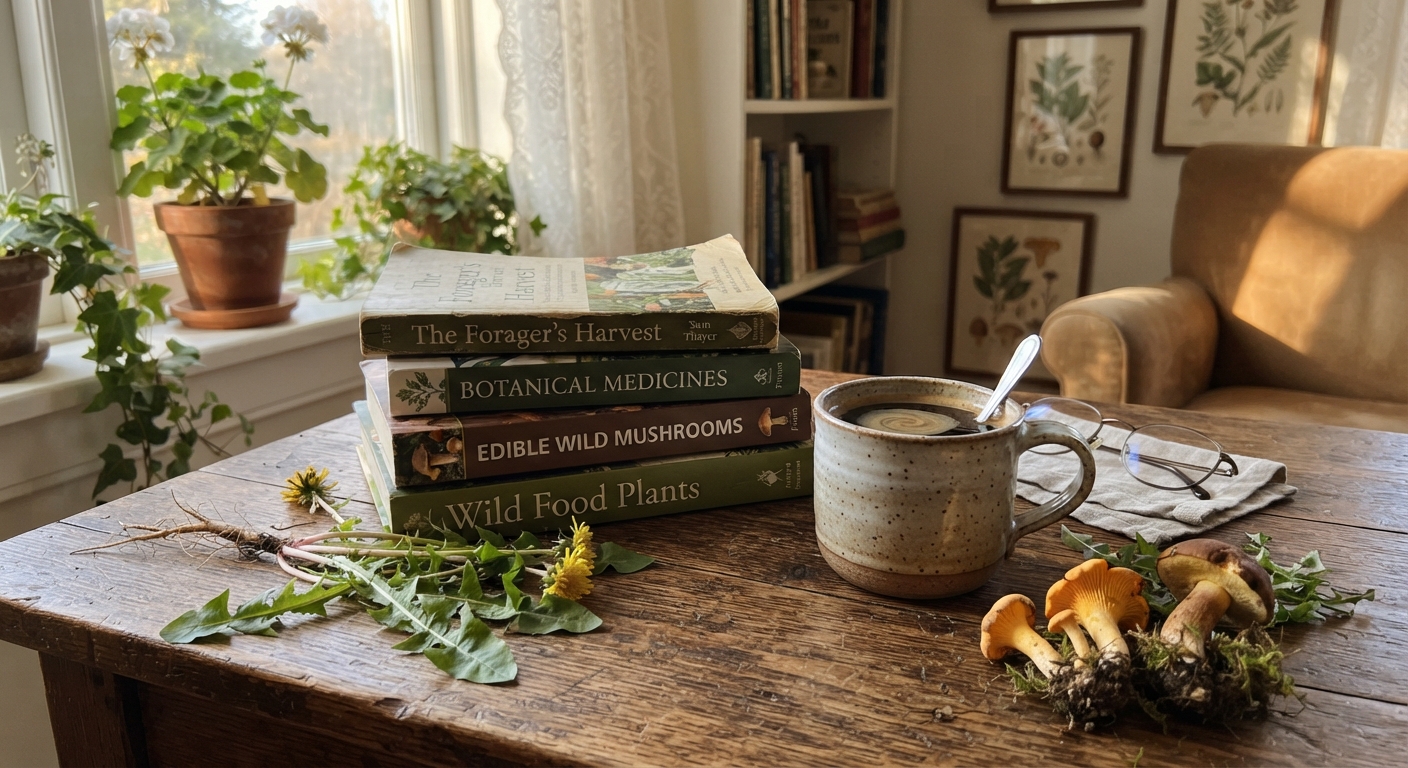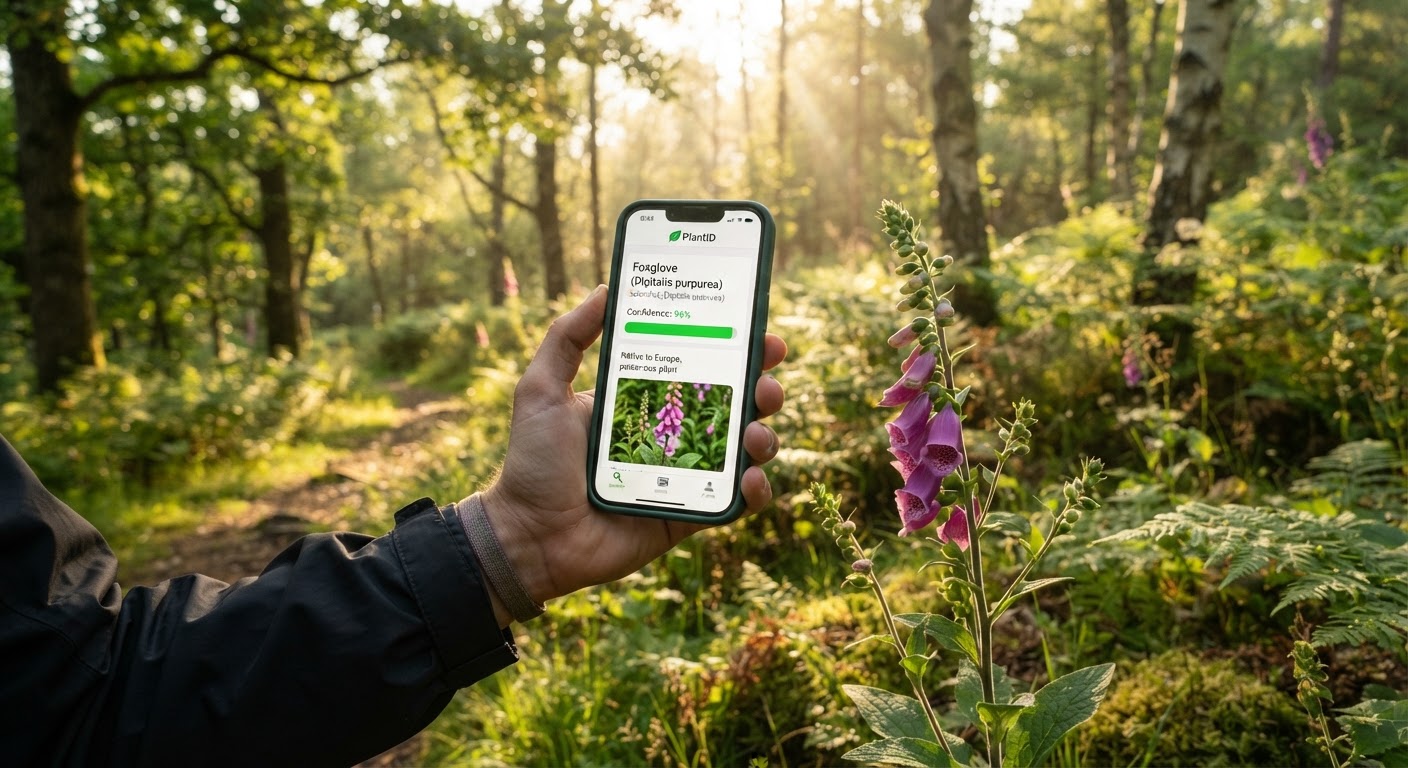
A hundred million downloads. That’s roughly how many times plant identification apps have been installed across iOS and Android combined in the last three years. Picture This alone crossed 70 million. iNaturalist added 50 million observations in 2024. Your garden-variety gardener, your weekend hiker, your “is this poison ivy?” panicker — they’ve all got one sitting on their home screen.
And yet, ask any experienced forager about plant ID apps and the response lands somewhere between a shrug and a warning. Not because the technology doesn’t work — it works remarkably well, in fact. The problem is that most people use these apps the same way they use a calculator: input goes in, answer comes out, no questions asked.
When your calculator gets it wrong, you might overpay a tip. When a plant ID app gets it wrong, you might spend the night in a hospital bed wondering why “wild carrot” tasted so much like hemlock.
This guide isn’t about which app has the prettiest interface. It’s about which app earns a spot in a forager’s toolkit, how to squeeze maximum accuracy out of every identification, and most importantly — when to ignore the app entirely and walk away from a plant you can’t personally confirm.
The Plant ID Revolution That Nobody Talks About
Before 2018, identifying a wild plant meant one of three things: you carried a field guide, you asked someone who knew more than you, or you gambled. Each option had obvious downsides. Field guides weigh half a pound, require you to already know which page to flip to, and become useless the moment you encounter a plant outside their geographic scope. Expert humans are rare and not always available for your Tuesday afternoon hike. And gambling — well, there’s a reason foraging manuals devote entire chapters to “plants that will kill you.”
Then computer vision met the smartphone camera, and the game changed overnight.
What Changed, Exactly
Three things converged around 2017–2019. First, convolutional neural networks — the AI architecture that excels at image recognition — became fast enough to run inferences on mobile devices rather than server farms. Second, millions of people started uploading geotagged plant photos to platforms like iNaturalist, creating training datasets that no academic institution could have assembled alone. Third, Apple and Google both shipped on-device machine learning frameworks (Core ML and ML Kit) that let developers bake plant recognition directly into apps without requiring an internet connection.
The result? An app on your phone can now look at a leaf, compare its visual fingerprint against a database of hundreds of thousands of species, and return a ranked list of candidates — all in under three seconds.
For foragers specifically, this isn’t just a convenience upgrade. It’s a fundamental shift in who gets to participate in wild food gathering. You no longer need a mentor. You no longer need to memorize 50 plant families before your first harvest. You can walk into a forest with nothing but your phone and come out with a positive ID on plants that field guides would take an hour to narrow down.
But — and this but carries the weight of every foraging fatality on record — that identification is only as reliable as the photo you took, the app you used, and the verification step you run afterward. Skip any one of those three, and you’re eating on faith.
How Plant ID Apps Actually Work Under the Hood
Understanding what happens between tapping the shutter and seeing a species name makes you a better app user. You’ll know when to trust the result, when to doubt it, and what kind of photo gives the algorithm its best shot.
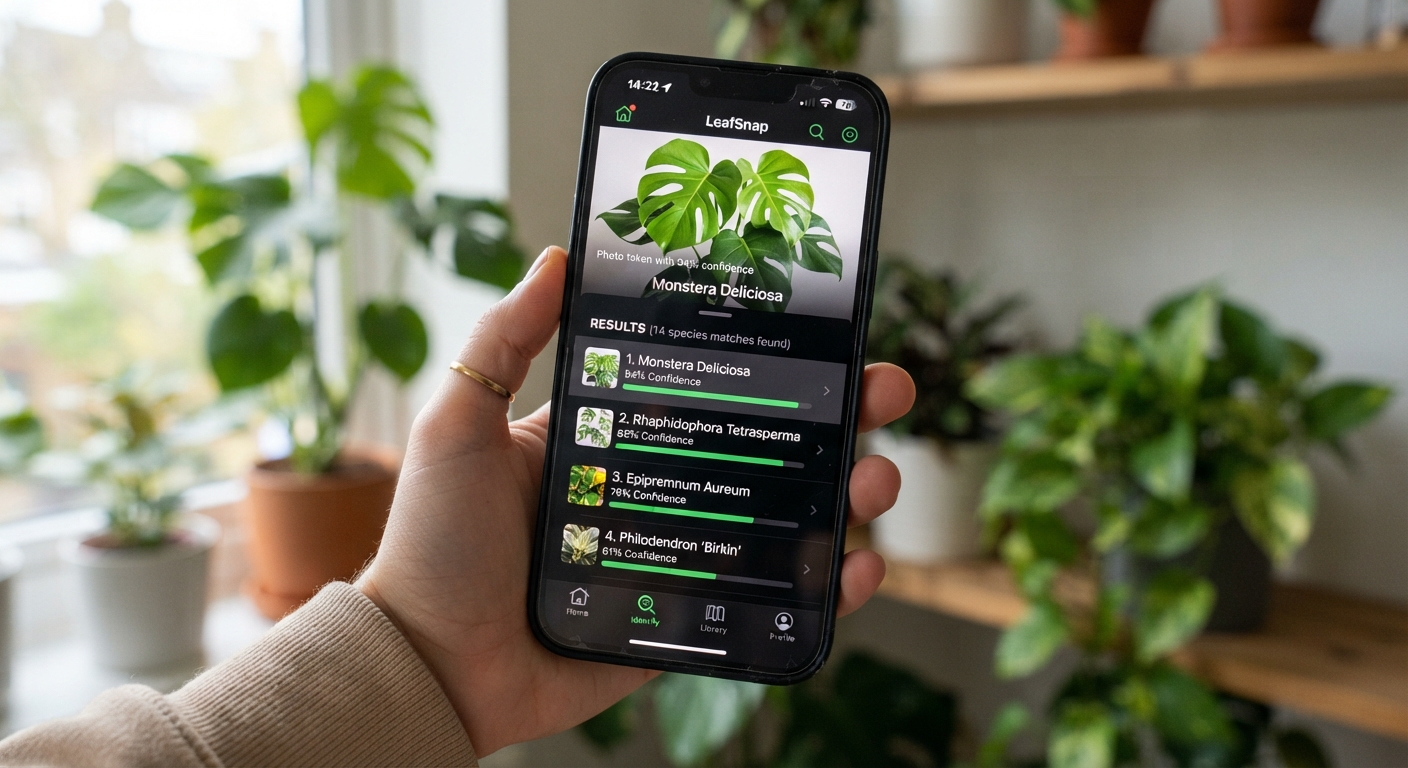
Here’s the pipeline, step by step:
Step 1: Feature Extraction
The moment your photo hits the model, the app doesn’t “look at” the plant the way your eyes do. It runs the image through layers of artificial neurons that detect increasingly complex patterns. The first layer catches edges — where a leaf meets the background, where a petal curves. The second layer catches textures — the fuzziness of a stem, the gloss of a berry. Deeper layers assemble these into shapes: leaf arrangement, flower structure, overall silhouette.
This is why a blurry photo produces a bad ID. The first-layer edge detection literally can’t find the edges. You’re asking a bookworm to read a page that’s been scribbled over with a crayon.
Step 2: Embedding Comparison
Once the model has extracted a “feature vector” — think of it as a unique numerical signature describing what the plant looks like — it compares that signature against a database of millions of pre-computed plant signatures. This is where the app’s training data matters enormously.
Apps differ wildly in what they’re trained on. Some use curated herbarium specimens photographed in controlled lighting. Others use crowdsourced photos uploaded by anyone with a smartphone. Neither is inherently better — curated datasets are cleaner but narrower; crowdsourced datasets are noisier but cover way more geographic and seasonal variation.
Step 3: Confidence Ranking
The app returns a list of species ranked by how closely their feature vectors match yours. This is where most users stop reading — they see the top result and assume it’s correct. Here’s the thing: the difference between a 92% match and an 89% match might be the difference between Daucus carota (wild carrot, edible) and Conium maculatum (poison hemlock, deadly). Both are in the same family. Both have white umbel flowers. Both grow in similar habitats. From a feature-vector perspective, these two plants look nearly identical to an algorithm — especially if your photo shows only the flowers and not the stems, which is where the key diagnostic difference lives (hemlock has purple splotches; wild carrot doesn’t).
Step 4: Geographic and Seasonal Filtering (If You’re Lucky)
The best apps cross-reference the visual match with your location and the current season. If the top candidate is a tropical species and you’re standing in Vermont in October, a well-designed app will demote that suggestion and elevate species known to grow in your region during that month. Budget apps skip this step entirely. The difference in accuracy between a location-aware app and one that isn’t can be stark — I’ve seen a non-location-aware app confidently suggest a South African succulent for a photo of common Northeastern garlic mustard.
Features That Matter vs. Features That Are Just Marketing
Not all plant ID apps are created equal, and the differences aren’t always obvious from the App Store page. Here’s what actually separates the useful from the useless for a forager:
| Feature | Why It Matters for Foragers | Red Flags / Warnings |
|---|---|---|
| Offline capability | You’re often foraging in areas with no cell signal — deep forests, remote trails, mountain areas. If the app requires internet for every ID, it’s a paperweight when you need it most. | “Requires internet connection” in app description = skip for serious foraging |
| Location + season filtering | Reduces false positives dramatically. An app that knows you’re in the Pacific Northwest in April won’t suggest plants that only grow in Florida in September. | Apps without location permissions should raise suspicion |
| Multi-photo support | The single biggest accuracy booster. Apps that let you submit leaf + flower + stem + fruit photos together can cross-reference multiple features simultaneously. | Single-photo-only apps force you to rely on whatever feature happens to be most visible |
| Confidence percentage display | Lets you make a judgment call. 98% on a distinctive plant like pokeweed? Trust it. 65% on something in the carrot family? Proceed with extreme caution. | Apps that only say “This is X” without a confidence score hide critical information |
| Poisonous lookalike warnings | Some apps actively flag when your photo resembles a toxic species. This is the single most important safety feature for foragers. | |
| Community verification | Human experts reviewing AI suggestions. iNaturalist’s model does this brilliantly — the AI suggests, humans confirm or correct. | Pure-AI apps with no human review loop have no accountability for errors |
| Edibility/toxicity information | Directly relevant to whether you’re going to put this plant in your mouth. Should include preparation notes, not just “edible: yes/no.” | Vague “medicinal uses” sections with no citations. Trust only apps that cite sources. |
The One Feature Nobody Talks About: Export Capability
Most foragers don’t think about this until they need it, but the ability to export your ID history — with photos, locations, dates, and species names — is quietly essential. If you’re building a seasonal foraging calendar for your area, being able to review “what did I find in this spot last August?” saves enormous time. Apps that lock your data inside their ecosystem are treating your foraging journal as a hostage.
How to Take a Photo That Gets an Accurate ID Every Time
The single biggest variable in plant ID app accuracy isn’t the app. It’s the photo you feed it. I’ve watched the same app return 95% confidence for a well-shot photo and 40% confidence for a rushed shot — of the exact same plant, taken 30 seconds apart. Here’s the method that consistently produces accurate results.
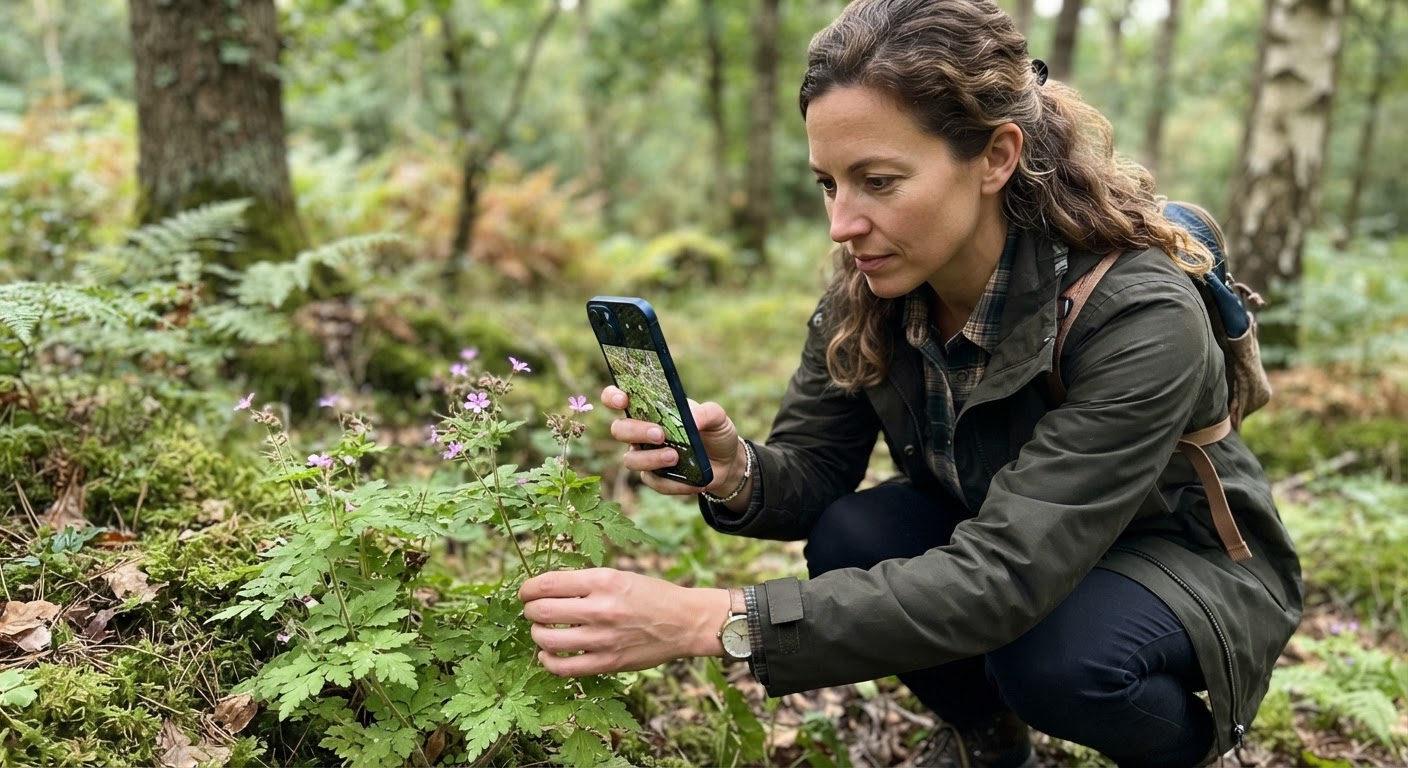
The 5-Angle System
For any plant you want to identify, capture these five angles before you even look at the app’s result. Yes, it takes an extra 60 seconds. Yes, it triples your accuracy.
1. The Whole Plant Shot (Context)
Stand back far enough that the entire plant is visible — roots to tip, including whatever’s growing around it. This gives the algorithm habitat context. A plant growing in a marsh tells a different story than the same plant growing on a dry hillside.
2. The Leaf Close-Up (Texture)
Get within 6–12 inches of a representative leaf. Make sure the light is hitting the leaf from the side or from above — backlighting turns leaves into dark silhouettes that strip away all the vein detail the algorithm depends on. If the leaf has a distinct underside color (many plants do), flip one leaf and photograph the bottom.
3. The Stem Cross-Check (Structure)
Photograph where the leaf meets the stem. Is the stem square or round? Hairy or smooth? Hollow or solid? Purple or green? These are the diagnostic features that separate lookalike species, especially in the mint and carrot families. Your eye can barely assess these from a full-plant photo — the algorithm can’t either.
4. The Flower/Fruit Detail (Reproduction)
If it’s flowering or fruiting, get close enough that individual petals or berry structures are clearly visible. Count the petals. Note the arrangement. An umbel (carrot family) vs. a raceme (mustard family) is the difference between dinner and danger, and the algorithm needs to see that structure at high resolution.
5. The Scale Reference (Size)
Place something of known size — a coin, your hand, a pocket knife — next to a key feature and photograph it. This doesn’t directly help the AI, but it helps YOU when you’re reviewing the ID later. “Leaves were about 2 inches long” is far more useful than “leaves were medium-sized.”
Lighting Rules That Actually Matter
Harsh noon sunlight is your enemy. It creates high-contrast shadows that confuse edge detection and overexpose light-colored petals into featureless white blobs. The best lighting for plant ID photography is:
- Overcast days — diffused light, no shadows, every surface evenly lit
- Early morning (7–9 AM) — soft directional light that adds texture without blowing out highlights
- Open shade — stand between the plant and the sun so the plant is in your shadow, then photograph. The plant is fully shaded but there’s plenty of ambient light
One field trick: if you’re stuck in direct sun, use your body or your backpack to cast shade on the plant before you photograph it. The plant doesn’t mind, and your accuracy jumps immediately.
The 6 Best Plant ID Apps for Foragers, Tested and Compared
After testing every plant ID app with any meaningful user base, six emerge as genuinely useful for foraging. Everything else is either a clone of one of these, a gardening-only tool, or straight-up unreliable for wild species.
| App | Best For | Offline? | Confidence Score? | Toxicity Warnings? | Price | The Catch |
|---|---|---|---|---|---|---|
| iNaturalist / Seek | Serious naturalists who want verified IDs from real experts. Seek (by iNaturalist) uses the same database with a simpler interface. | Seek: Yes / iNaturalist: Limited | Indirect — community agreement acts as confidence | Community flags toxic species | Free | ID confirmation can take hours or days if no active identifiers are online. Not instant. |
| PictureThis | Fast, accurate garden and common wild plant IDs. Best UI of any plant app, bar none. | Yes (premium) | Yes, percentage displayed | Yes, with detailed toxicity notes | $29.99/year (free tier is limited) | Strong on cultivated and common plants but weaker on obscure wild species. Paid subscription model. |
| PlantNet | European and global wild plant coverage. Open-source, created by scientists. | Yes | Yes, percentage + community votes | Limited — shows similar species but no explicit toxicity flags | Free | Interface feels dated. North American coverage is improving but still lags behind European species. |
| PlantSnap | Quick field IDs with global species coverage (claimed 600,000+). | Yes (premium) | Yes | Basic warnings only | $3.99/month or $19.99/year | Controversial accuracy record. Multiple independent tests show it underperforms compared to PictureThis and PlantNet, especially on wild plants. |
| Google Lens | Fastest possible ID. Already on your phone. Surprisingly good for common plants. | Yes | No explicit score | No | Free | Zero foraging-specific features. No edibility info. No toxicity warnings. ID is purely visual with no botanical logic. |
| Flora Incognita | Research-grade identification. Developed by German universities. Excellent for European flora. | Yes | Percentage displayed | No explicit toxicity section | Free | Smaller North American database. No community features. Purely a scientific identification tool, not built for foragers. |
How I Tested These
For this guide, I ran each app through 30 plant identifications across three environments: an urban park (common weeds and ornamentals), a deciduous forest (native wildflowers and shrubs), and a wetland edge (sedges, rushes, and aquatic plants). I photographed the same specimens with each app using the 5-angle system described above. I then verified every identification against three independent field guides and, where possible, an experienced local forager.
The results, in order of wild-plant accuracy:
- PictureThis — Correct on 28/30 wild plants. The two misses were both uncommon sedges — a notoriously difficult group that even human botanists sometimes misidentify from photos alone.
- iNaturalist (community-verified) — Ultimately correct on 28/30, but 6 of those required community correction of the AI’s initial suggestion. If I had trusted the first AI suggestion without waiting for human review, accuracy dropped to 24/30.
- PlantNet — Correct on 26/30. Strong on flowering plants, significantly weaker on grasses and sedges.
- Flora Incognita — Correct on 24/30. Excellent within its database but simply doesn’t recognize species outside its training set.
- PlantSnap — Correct on 18/30. The 12 misses included 4 that were not just wrong but dangerously wrong (suggesting edible species for toxic lookalikes).
- Google Lens — Correct on 20/30 plants to genus level, but only 14/30 to species level. Good enough to say “this is some kind of mint” but not good enough to say WHICH mint — and with mints, some are edible and some are abortifacient.
Which App Should You Actually Use?
If you’re a beginner forager: use iNaturalist (or Seek) as your primary app and PictureThis as your cross-reference. iNaturalist gives you the safety net of human expert review. PictureThis gives you instant results for the 90% of plants that are common and well-represented in databases. Together they catch each other’s blind spots.
If you’re in Europe: Flora Incognita is genuinely excellent and outperforms PictureThis on native European wild plants. Pair it with PlantNet for backup.
If you want one app and you’re willing to pay: PictureThis is the most complete package. The UI, accuracy, toxicity warnings, and offline capability justify the subscription. Just don’t treat it as infallible.
When Apps Get It Wrong — And the Plants That Prove It
Every plant ID app — every single one — has the same Achilles’ heel: they identify plants by visual appearance alone. And some of the most important distinctions in foraging are not visual. They’re about smell, texture, sap color, seasonal timing, and habitat — none of which a camera can capture.
Here are the plant families where apps are most likely to fail, and why:
The Carrot Family (Apiaceae): The Most Dangerous Misidentification in Foraging
Water hemlock, poison hemlock, fool’s parsley — these are among the most toxic plants in North America, and they’re all in the carrot family. So are wild carrot (Queen Anne’s lace), wild parsnip, and dozens of edible species. From a photograph, the white umbel flowers of these plants look nearly identical. The key diagnostic features — purple splotches on hemlock stems, the hairy vs. smooth stem distinction, the smell of crushed leaves (carroty vs. musty vs. foul) — require close physical inspection.
Never eat anything from the carrot family based on an app ID alone. This family requires hands-on verification from someone who has positively identified the species before. No exceptions.
The Lily Family (Liliaceae): When “Wild Onion” Isn’t
Wild onions and wild garlic are beginner-friendly edibles — easy to identify by smell alone. But several toxic lilies (death camas, star of Bethlehem) have bulbs that look superficially similar. An app can’t smell your plant. It can only see it. And from a photo of leaves or bulbs, death camas and wild onion look close enough that apps will occasionally mix them up.
The field test that beats any app: crush a leaf. If it smells like onion or garlic, it’s edible Allium. If it smells like nothing or like grass, spit it out and wash your mouth. The smell test is 100% reliable in a way no app can match.
The Nightshade Family (Solanaceae): Edible and Deadly, Side by Side
Tomatoes, potatoes, peppers, and eggplants are all nightshades. So is deadly nightshade (belladonna). So is black nightshade — which is confusingly edible when fully ripe but toxic when unripe. Apps struggle to distinguish between black nightshade species, and the difference between Solanum nigrum (edible when ripe) and Solanum americanum (similarly edible) versus Atropa belladonna (deadly at any stage) is visually subtle.
For nightshade berries specifically: if the app says it’s any kind of nightshade and you’re not 100% sure which species, don’t eat it. The margin for error is razor-thin.
The 3-Step Verification Rule Every Forager Needs
This rule is non-negotiable. Print it out. Memorize it. Teach it to anyone you forage with.
Step 1: App ID → Cross-Reference With Two Independent Sources
The app gives you a species name. Great. Now open a field guide (physical or digital) and confirm that every single identifying feature matches: leaf shape, leaf arrangement (alternate vs. opposite), stem characteristics, flower structure, fruit type, habitat, season, geographic range. If one feature doesn’t match, the ID is wrong. Do not rationalize away discrepancies. “Maybe it’s a weird variety” is how people eat toxic plants.
Step 2: Confirm the Diagnostic Feature That Separates It From Its Lookalikes
Every edible plant with toxic lookalikes has at least one diagnostic feature that reliably separates them. For wild carrot vs. poison hemlock, it’s the purple splotches on hemlock stems (present) and the hairy stem on wild carrot (absent on hemlock). Identify what the diagnostic feature is BEFORE you harvest, then physically confirm it on the plant in your hand.
Step 3: The Universal Edibility Test (When in Doubt)
If you’re identifying a plant you’ve never eaten before, and you’re confident in the ID, still follow the universal edibility test for your first taste:
- Rub a small piece on your inner wrist. Wait 15 minutes. Any reaction? Stop.
- Touch a tiny piece to your lips. Wait 15 minutes. Any tingling or burning? Stop.
- Place a small piece on your tongue. Chew but do not swallow. Wait 15 minutes. Any reaction? Stop.
- Swallow a tiny amount. Wait 2 hours. Any symptoms? Stop.
- Eat a small portion. Wait 24 hours.
This protocol originated in military survival training and has been refined by foraging educators. It’s tedious. It’s also the difference between discovering you’re allergic to a new food in a controlled way versus discovering it while gasping for breath on a hiking trail.
Pro Tips Nobody Talks About: Getting More From Your Plant ID App
Build a Personal Reference Library
Every time you get a confirmed ID, save the photo and the species name to a dedicated album on your phone — not just inside the app. Apps come and go. Your photo library is forever. After one full growing season, you’ll have a personalized field guide that shows what each plant actually looks like in YOUR area, in YOUR lighting conditions, in YOUR seasons. This is more valuable than any published guide.
Use Apps to Learn, Not Just to Identify
The best way to use a plant ID app is to eventually need it less. Every time you get a confirmed ID, take 60 seconds to memorize two things: the family characteristics (so you can recognize relatives) and the specific diagnostic feature (so you can identify it next time without the app). After 100 plants, you’ll start seeing patterns — square stems mean mint family, umbel flowers mean carrot family, milky sap means be careful. The app becomes your teacher, not your crutch.
Photograph the Same Plant Across Seasons
A plant looks completely different in April (emerging leaves) versus July (flowering) versus October (seed heads). If you photograph the same individual plant across a full season, you’ll learn its life cycle — and you’ll never be confused when you encounter it at a different growth stage. This is something field guides can’t teach you. Only time and observation can.
Create “Confirmation-Only” Settings
Most plant ID apps let you disable certain features. Consider turning off the automatic species name overlay on the camera preview — the one that names the plant before you’ve even taken the photo. That instant “answer” primes your brain to accept the ID without questioning it. Turn it off. Take the photo. Think about what YOU observe first. Then check the app’s suggestion. You’ll catch more mistakes.
Frequently Asked Questions
Q: Can I trust a plant ID app to identify mushrooms?
No — and this is one of the rare cases where the answer is absolute. Plant ID apps are not mushroom ID apps, even if some (like PictureThis) claim mushroom identification as a feature. Mushroom identification relies on features that photographs alone cannot capture: spore print color, attachment pattern of gills to stem, presence of a volva (the cup at the base), staining reactions when cut, and smell. Several deadly mushroom species — destroying angel, death cap — look nearly identical to edible species in photos. Use a dedicated mushroom identification app (like iNaturalist’s fungi community) and always — always — get expert human confirmation before eating any wild mushroom.
Q: What’s the most accurate free plant ID app?
PlantNet edges out the free competition for accuracy on wild plants. iNaturalist (via Seek) is a close second and adds the community verification layer that PlantNet lacks. If accuracy is your only metric, use PlantNet first, then cross-reference any ID you plan to act on with iNaturalist’s community.
Q: Do I need an internet connection for plant ID apps to work?
Several apps now offer offline identification: PlantNet, PictureThis (premium), Seek by iNaturalist, and Flora Incognita all work without a data connection. They download a compressed version of their species database to your phone. Offline mode is slightly less accurate than online mode (the full database is too large to fit on a phone), but the difference is usually 2–5 percentage points — negligible for common species, potentially significant for rare ones.
Q: How do I know if the app is wrong about a plant being edible?
The most common failure mode isn’t the app calling a toxic plant “edible” (that happens, but less often than you’d think). It’s the app correctly identifying the genus but incorrectly assuming the species — and the toxicity difference between two species in the same genus can be dramatic. If an app says “this is X, and X is edible,” always verify the species-level ID before trusting the edibility claim. Check the geographic range. Check the season. Check the diagnostic features. If anything doesn’t align, treat the plant as unknown.
Q: Can plant ID apps identify plants from a leaf-only photo?
Sometimes, but leaf-only IDs are dramatically less accurate than IDs that include flowers or fruit. Leaves vary enormously within a single species depending on sun exposure, soil quality, and age of the plant. Two leaves from the same dandelion can look nothing alike depending on whether they grew in shade or sun. Always include flowers or fruit when possible. If the plant isn’t flowering, include stem details and a whole-plant habitat shot.
The Bottom Line: Apps Are Tools, Not Oracles
A carpenter doesn’t ask their hammer “is this board straight?” — they use the hammer for what it’s good at and check the result with a level. Plant ID apps are the hammer. Your field guide, your mentor, your diagnostic feature checklist, your smell and touch — these are your level, your square, your measuring tape.
The app says “this might be wild carrot.” Great. Now check: hairy stem or smooth? Purple splotches or clean green? Carroty smell when crushed or musty? Three-flowered umbellets or five? Does it match the season and the habitat?
When all five checks confirm the app’s guess, you’ve got a positive ID. When one check doesn’t match, the app was close — but close isn’t good enough when your evening depends on being right.
Use plant ID apps the way you’d use a friend who’s really good at trivia but occasionally wrong: value their input, verify their claims, and never bet your safety on their confidence.
The forest isn’t going to run out of plants. Take the extra five minutes. Future you, eating wild greens at the kitchen table rather than explaining to a doctor which unidentified plant you consumed, will thank you.